
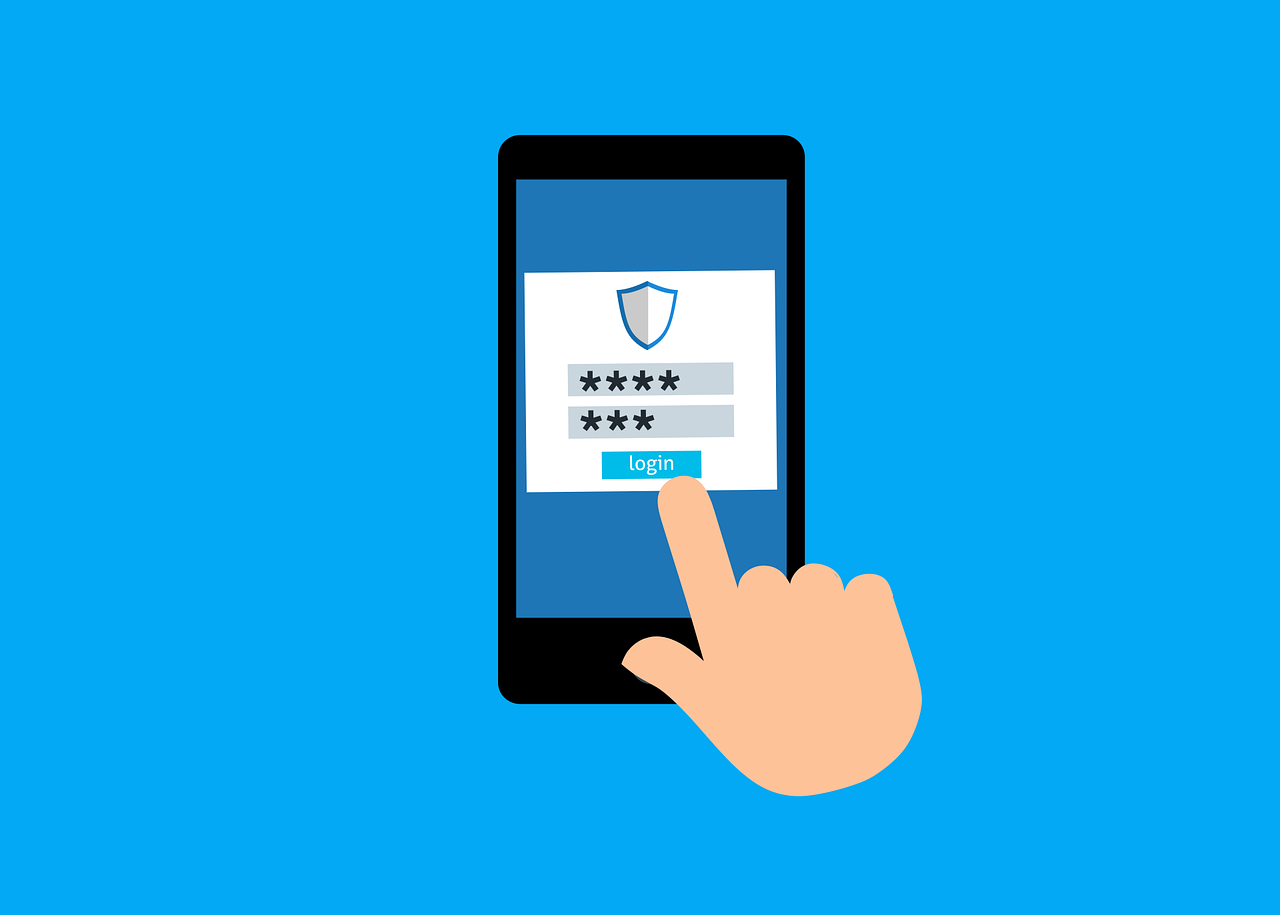
Holiday shopping is more online than ever — and so are cyber threats. Every year, as shoppers hunt for deals, scammers ramp up their attacks. The Federal Trade Commission (FTC) warns that fake shopping sites, phishing emails, and credit card theft spike during the holiday season.
If you’ll be doing any online shopping over the holidays, now is the perfect time to strengthen your digital security. Two easy tools — password managers and virtual cards — can dramatically reduce your risk and keep your personal and financial data safe.
This guide explains how these tools work and how to use them to enjoy stress-free, secure holiday shopping.
Why Shoppers Trust Password Managers and Virtual Cards
Online shopping is convenient, fast, and often cheaper — but it comes with real cybersecurity risks. More consumers are turning to password managers and virtual cards because they significantly reduce the chances of identity theft, credential theft, or fraudulent purchases.
Password Managers Protect You From Stolen Passwords
A password manager generates strong, unique passwords for every account you use — and stores them securely.
No more using the same password everywhere (which is how most cyber breaches happen).
CISA, the Cybersecurity and Infrastructure Security Agency, strongly recommends password managers to protect consumers from password reuse and account compromise.
Virtual Cards Hide Your Real Card Information
Virtual cards act as a protective shield between you and the retailer.
While they connect to your real credit or debit account, the retailer never sees your actual card number — which means hackers can’t steal it.
Even if a retailer gets breached, your real card information stays protected.
How to Use Password Managers & Virtual Cards for Zero-Risk Holiday Shopping
Before you fill your cart or click “Buy Now,” follow these practical tips to protect your money and personal data.
1. Choose a Trusted Password Manager
Only choose reputable, well-known options with proven encryption. Reliable choices include:
-
1Password
-
Dashlane
-
Bitwarden (Our personal favourite)
Avoid downloading from emails or ads — fake password managers are common. Always get them directly from the official website or app store.
2. Create a Strong Master Password
Your master password is the key to everything.
Make it long, unique, and difficult to guess by combining:
-
Upper and lowercase letters
-
Numbers
-
Special characters
Avoid anything tied to personal details, like birthdays, names, or pet names.
3. Enable Two-Factor Authentication (2FA)
2FA adds an extra layer of protection to your accounts.
Even if your password is stolen, a hacker can’t log in without your second verification step (usually a code sent to your phone or generated by an authenticator app).
Always turn on 2FA for:
-
Banking
-
Email
-
Shopping accounts
-
Password managers
4. Use a Separate Virtual Card for Every Store
Most banks and digital payment apps now offer virtual cards.
Generate a new virtual card number for each online store you shop at.
If one card is compromised, it won’t affect your main card or other purchases.
This also helps you track spending more easily — a great bonus for holiday budgeting.
5. Set Expiration Dates & Spending Limits
Many virtual cards let you:
-
Create one-time-use cards
-
Set an automatic expiration date
-
Give the card a maximum spend limit
These features protect you from unauthorized charges and accidental overspending.
6. Shop Only on Secure Websites
When in doubt, double-check before you buy.
Look for:
✔ A URL starting with https://
✔ A padlock icon in the address bar
✔ A website you recognize or trust
Avoid clicking links in ads, emails, or social posts. They’re a common source of phishing scams that mimic real retailers.
Common Holiday Shopping Mistakes to Avoid
Even with the best tools, unsafe habits can put your information at risk. Stay alert and avoid these mistakes:
1. Reusing Passwords
All it takes is one hacked site for all your accounts to fall into the wrong hands.
Your password manager can generate unique, complex passwords for every login.
2. Shopping on Public Wi-Fi
Public Wi-Fi is a cybersecurity nightmare.
Hackers can easily intercept unencrypted traffic on:
-
Airport Wi-Fi
-
Hotel networks
-
Coffee shops
-
Malls
If you’re shopping away from home, use your mobile data or a secure personal hotspot.
3. Ignoring Security Alerts
If your bank, password manager, or virtual card provider sends you an alert, don’t ignore it.
Act immediately by:
-
Reviewing recent transactions
-
Changing your password
-
Freezing or replacing your card
Quick action prevents fraud from spiraling.
4. Saving Card Details in Your Browser
Browsers make it easy to save payment info — but this convenience comes with risk.
If your browser gets compromised, so does every saved card.
Virtual cards are always safer and more secure.
Shop Smart, Stay Safe, and Enjoy Holiday Peace of Mind
The holidays should bring joy — not worry about hacked accounts or stolen card information. By using password managers and virtual cards, you dramatically reduce your risk while keeping online shopping fast and convenient.
These tools help:
✔ Protect against phishing
✔ Reduce credit card exposure
✔ Prevent account theft
✔ Strengthen overall cybersecurity
Before you check out your holiday shopping list, add security to the top of your list.
If you want help protecting your data or improving your cybersecurity setup before the holiday rush, our team is here to support you. Reach out today to stay safe, secure, and worry-free this season.



Leave A Comment